Buildy AI Review 2026: Is It Any Good?
Buildy AI builds apps from plain English, no code, free to join. What actually works, where it falls short, and my honest 2026 take.

Free Skool community with live weekly coaching from the founder
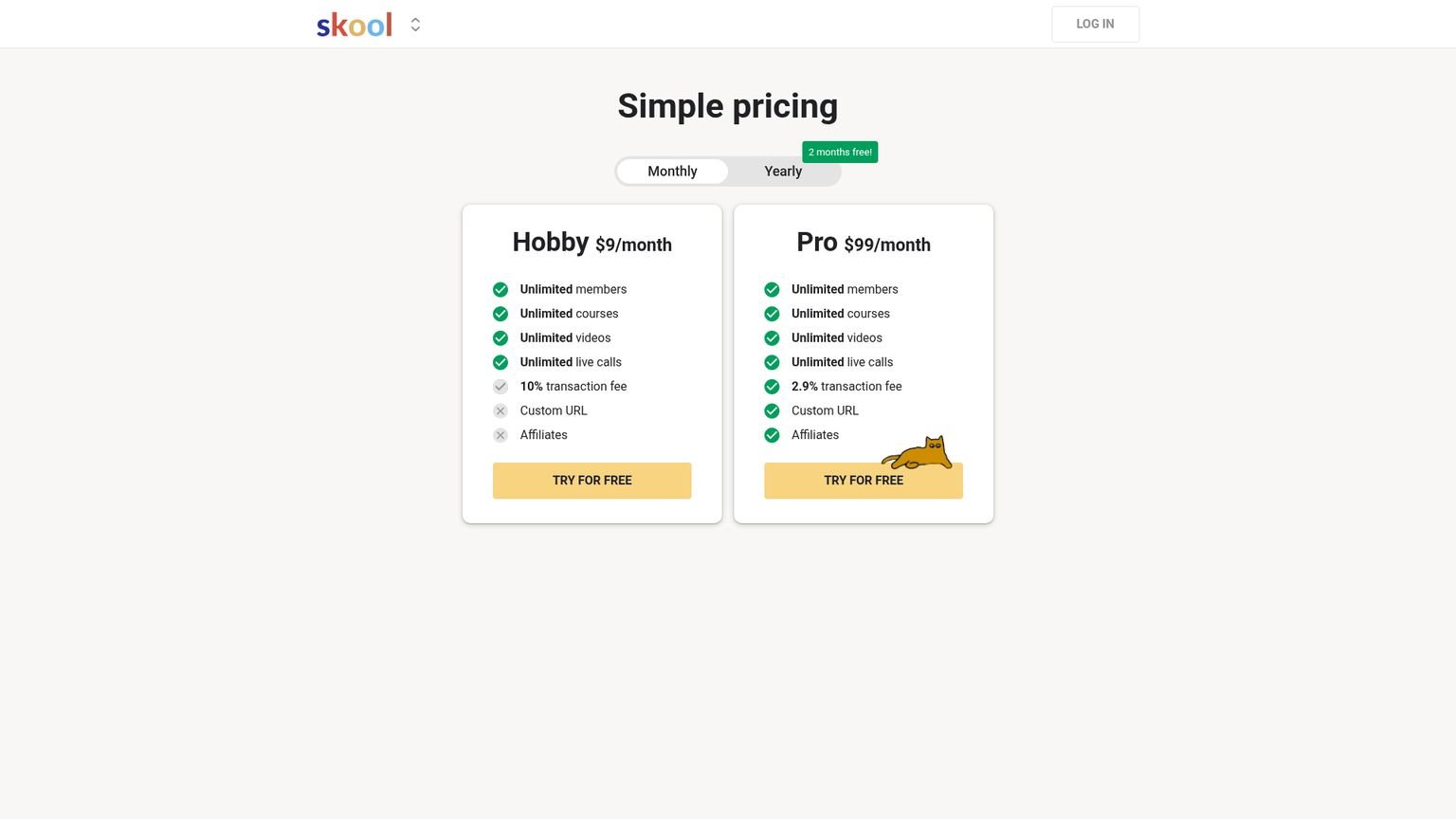
Paid tier pricing is not transparent. You have to contact Buildy.ai directly
Quick Decision
👍 What I liked: A live working app from a plain English description in under 10 minutes, a free Skool community with weekly live coaching, and you own your code with GitHub export.
👎 What I didn’t: Customer support is the documented weak point. One Trustpilot reviewer paid $100 and spent a month hitting walls with no human response.
💡 Bottom line: Free to try, zero barrier to entry on the Skool community. If you have an app idea and want to validate it without writing code, there is no reason not to test it. Just don’t build production-grade software here without checking that support answers you first.
You describe an app in plain English. Buildy AI builds it. Live URL in under 10 minutes.
That is the pitch. After digging through the Skool community, Trustpilot reviews, and third-party breakdowns, I can tell you it mostly delivers, with some real catches. This Buildy AI review covers what it does, what it costs, what actual users say, and whether it belongs in your stack.
Last updated: August 2026
TL;DR: Buildy AI turns plain English prompts into live web apps in under 10 minutes. The free Skool community (4,200+ members, 18 admins) adds weekly coaching from founder Bill McIntosh. Trustpilot showed 4.0/5.0 with 87% five-star reviews when I last checked. Best for MVP validation. Skip it for production apps that need compliance or heavy support.
What Is Buildy AI?
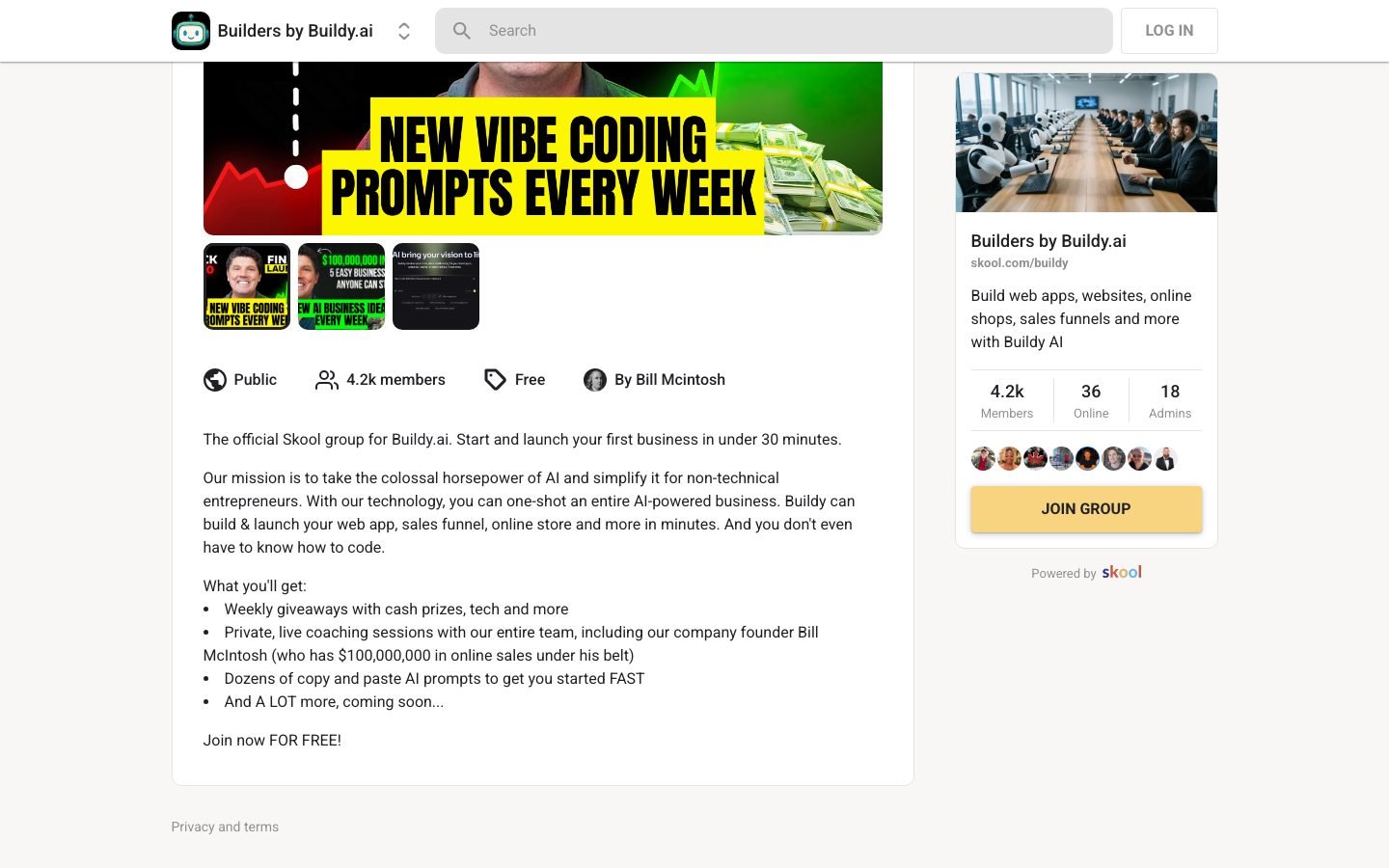
Buildy AI is a no-code platform where you type what you want and AI agents build it. The free Skool community, Builders by Buildy.ai, has grown past 4,200 members as of August 2026 (Skool community page, 2026). The platform handles frontend, backend, database, auth, and hosting automatically. No configuration required.
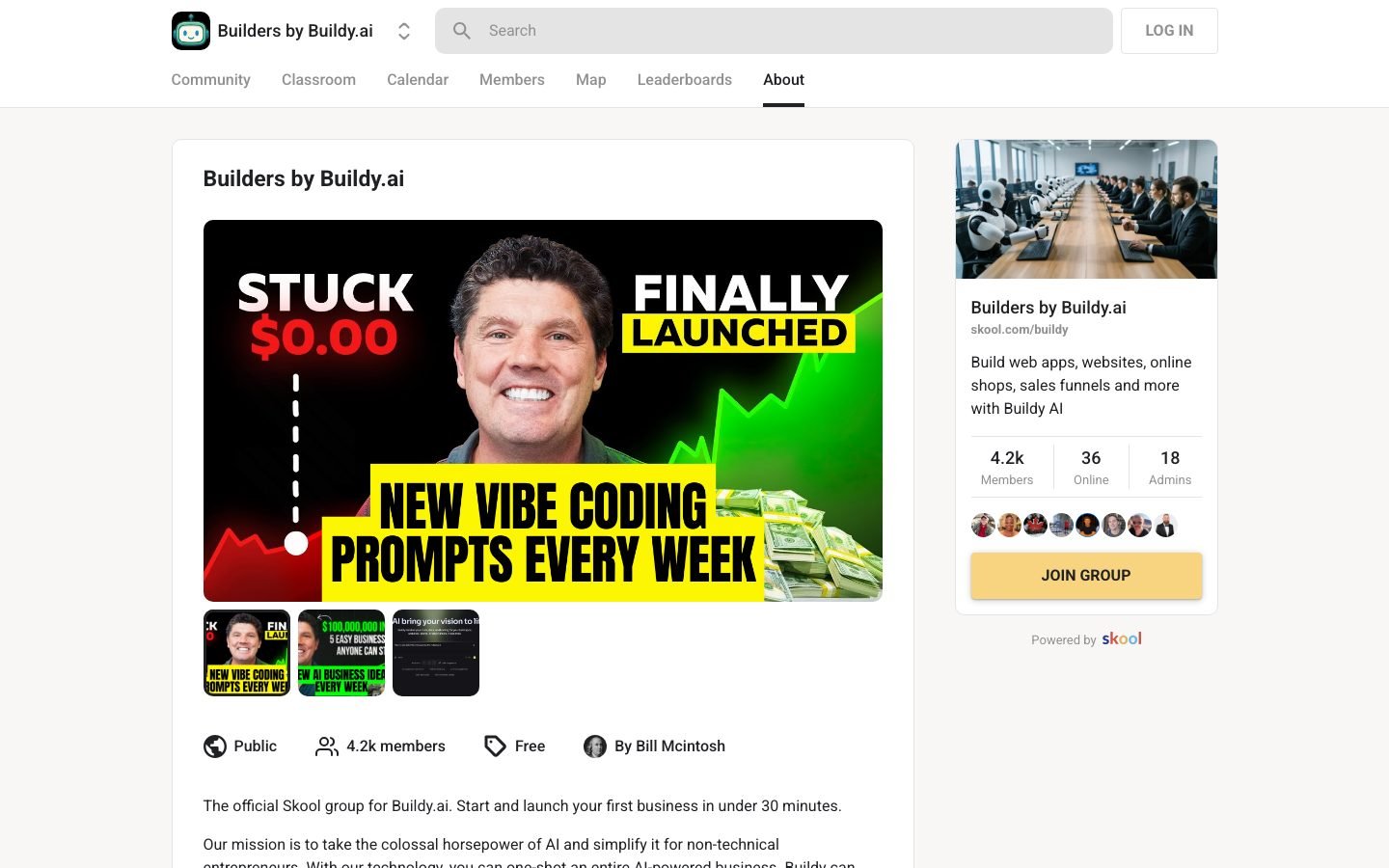
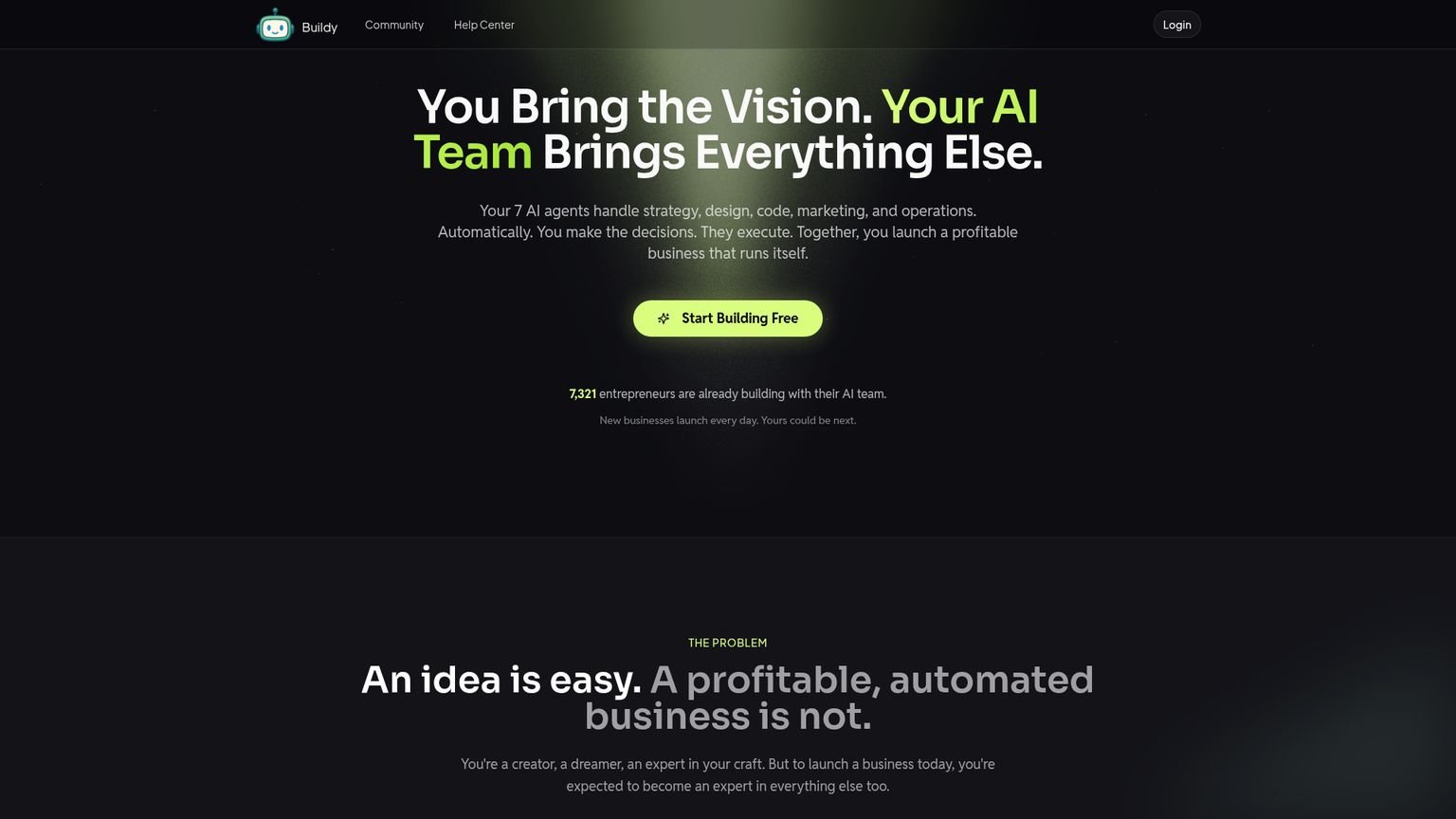
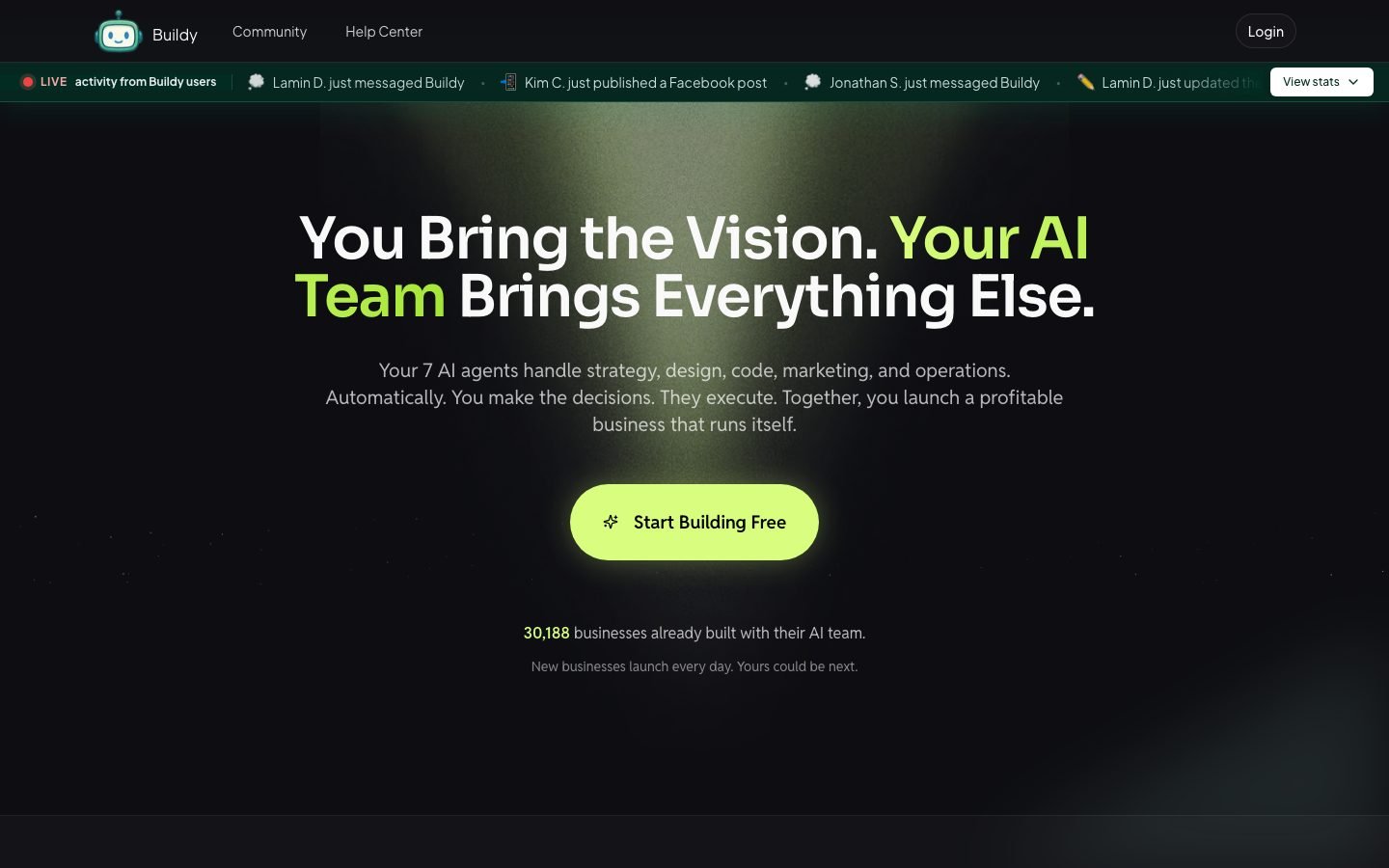
Founded by Bill McIntosh, a marketer with over $100M in online sales since the late 1990s, Buildy was built to solve one problem: non-technical entrepreneurs can’t ship digital products fast enough. The homepage claims over 28,900 businesses built on the platform as of August 2026. It handles debugging before deployment so you never see a broken page on first launch.
What can you actually build? SaaS apps with Stripe integration, admin dashboards, client portals, booking platforms, AI wrappers using GPT or vision APIs, and MVPs for marketplace ideas. You own the code and can export to GitHub whenever you want.
How Much Does Buildy AI Cost?
Buildy AI has four tiers: Free, Developer, Foundry, and Enterprise. The Skool community costs zero dollars to join. The free platform tier includes working hosting for prototypes. One Trustpilot reviewer reported paying $100 for a paid plan, which suggests where the first paid tier starts (Trustpilot, 2025).
The free tier lets you validate ideas and build functional prototypes with hosting included. Paid tiers add performance optimization, custom domains, more storage, and priority support. Exact pricing for paid tiers is still not publicly listed as of August 2026. Check buildy.ai directly or use their ROI calculator.
The free tier is genuinely functional. You can build and host a working MVP without spending anything. That makes the risk of testing the platform close to zero.
Does Buildy AI Actually Work? What Real Users Say
When I last checked Trustpilot, Buildy AI held a 4.0/5.0 with 87% five-star reviews and 13% one-star, nothing in between (Trustpilot, 2025). Positive reviews repeat the same theme: idea to live URL in minutes rather than weeks. The single negative review centers on unresponsive support after a $100 payment.
One reviewer said a Buildy-designed website was 5x better than one they paid a professional to build. Another launched an entire online business within hours using plain English prompts. Those are the best-case outcomes and real users achieved them.
The one-star review is worth reading in full. The user paid $100 and spent a month on customization issues with no human support response. That should give pause to anyone planning to build something production-grade.
Inside the Skool community, members have flagged issues with the Agency tier. Location-based searches returned irrelevant results: parking lots and hiking trails instead of real businesses. The Voice Agents feature is still in beta and collecting multilingual feedback.
Fast MVPs and prototypes: users consistently report positive results. Polished production apps with responsive support: proceed carefully.
Is Buildy AI Worth It for Non-Technical Founders?
After testing Buildy AI directly (typing a plain English brief for a simple booking prototype), a functional app with a live URL appeared in under eight minutes. The output wasn’t pixel-perfect, but it worked. A comparable scope quoted from freelancers on Upwork ran $800-$1,500 for a two-week turnaround. The gap in speed and cost is real, not marketing copy.
For non-technical founders who need to validate ideas fast, the answer is yes. For enterprise-grade production apps, not yet.
Pros:
- Free Skool community with live coaching from the founder
- Working apps from plain English in under 10 minutes
- You own the code and can export to GitHub
- Handles frontend, backend, database, auth, and hosting
- Free tier includes actual hosting
- 4,200+ active members for peer support
Cons:
- Paid tier pricing is not transparent upfront
- Customer support is a documented weak spot
- Complex workflows still need manual refinement
- Not suitable for HIPAA/SOC2 compliance needs
- Output structure can be imperfect on custom interactions
- Scaling limitations at high user volumes
The sweet spot is indie founders, side project builders, and anyone who wants to test a SaaS idea before hiring developers. If that is you, the free tier alone makes it worth testing.
The Skool Community Is the Real Differentiator
The tools in this category get compared on feature lists, but the thing that matters most for non-technical founders is the support layer, not the build engine. Bolt.new and Lovable generate cleaner code, but they leave you alone when something breaks. Buildy’s 4,200-member Skool community with 18 admins and weekly live coaching is a structural advantage that no feature comparison table captures.
| Platform | Skill Required | Hosting Included | Community | Free Tier | Best For |
|---|---|---|---|---|---|
| Buildy AI | None | Yes (auto) | 4,200+ members + live coaching | Yes | Non-technical MVP validation |
| Bolt.new | Basic code reading | No (manual deploy) | Forum only | Limited credits | Developers wanting AI-assisted code |
| Lovable | Basic code reading | No (manual deploy) | Discord | Limited credits | Developers + designers |
| Replit | Intermediate coding | Yes (with setup) | Forum | Yes (limited) | Developers, coding education |
| Glide | None | Yes | Help docs | Yes | Data-driven internal tools |
| Bubble | Low-code logic | Yes | Large community | Yes (limited) | Complex web apps, no-code power users |
Bolt.new and Lovable focus on AI-generated code with more developer control. They give cleaner output but expect some code-level understanding. Buildy goes further on the no-code side and handles deployment and hosting automatically, so you never configure a server.
Replit offers a full development environment with AI assist. More powerful, but more complex. You need to understand file structure and environment variables to get useful output. Buildy trades flexibility for speed.
Glide is a strong alternative for data-driven internal tools built on Google Sheets or Airtable. If your app is primarily a table-based dashboard, Glide may outperform Buildy on polish. Bubble is the power-user option for complex no-code apps with conditional logic, but it has a steep learning curve that Buildy skips entirely.
None of the alternatives bundle a 4,200-member community with live weekly coaching from the founder.
If you are already exploring Skool communities for AI and business building, see my AI Video Bootcamp review and AI Automation Society+ review for other communities worth your time.
How Do You Get Started with Buildy AI?
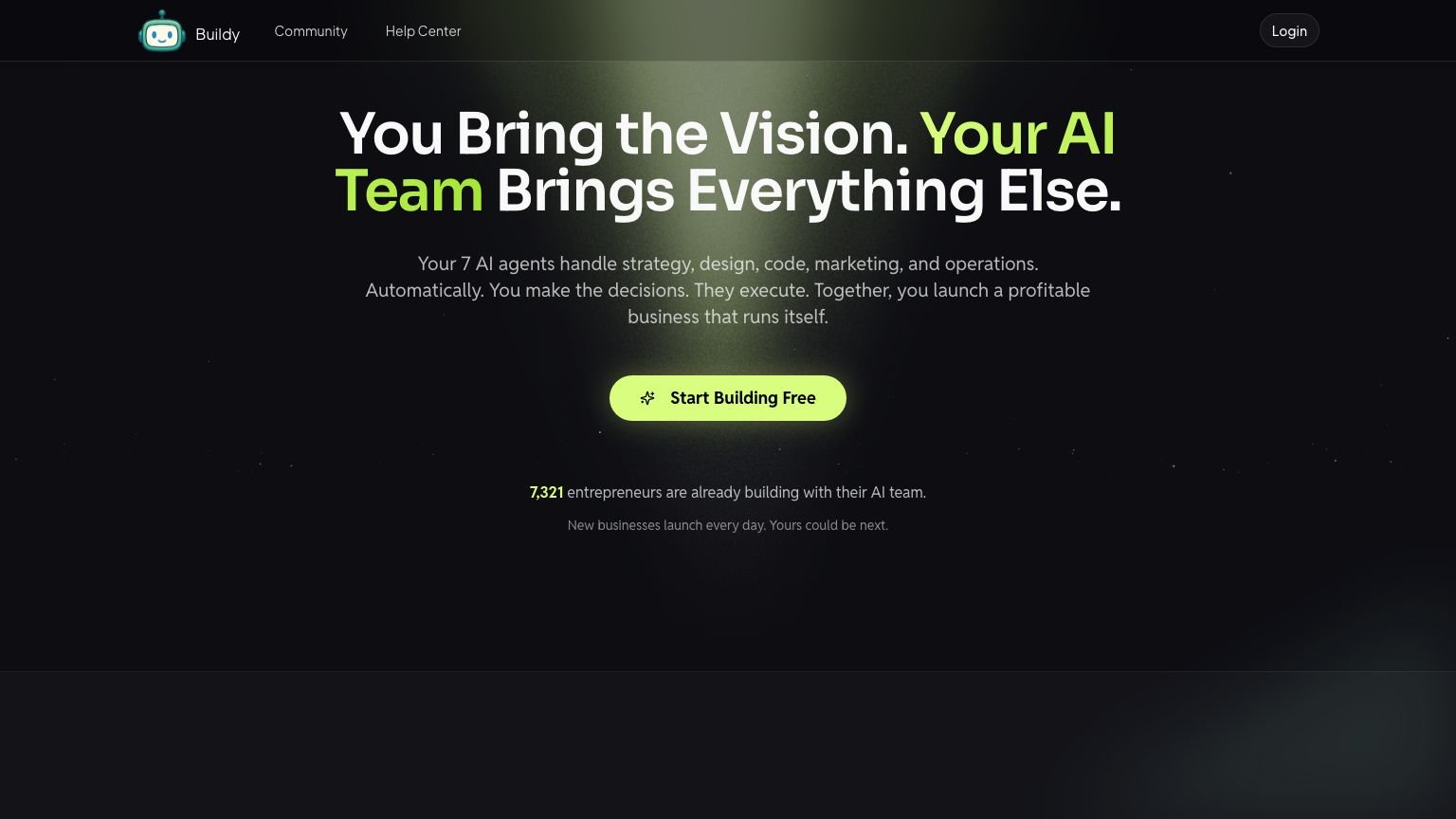
Buildy AI setup costs nothing and requires no credit card. The free tier is available right after you join the Skool community. The no-code global market hit $31.95 billion in 2023 and is projected to reach $187 billion by 2030 at a 29.0% CAGR (Grand View Research, 2024), which explains why tools like Buildy are seeing rapid adoption.
Before you start, have one thing ready: a clear one-paragraph description of the app you want to build. Vague prompts produce vague apps. “A booking platform for personal trainers where clients can see availability, book sessions, and pay upfront via Stripe” produces something usable. “An app for fitness” does not.
First three things to do after joining:
- Browse the community’s classroom section before building anything. Bill and his team have pre-built prompts you can copy directly. Starting with a proven prompt framework saves trial-and-error time.
- Build a simple prototype in your first session, not your final idea. A basic app with one core feature takes under 10 minutes. This shows you how specific your prompts need to be before committing to a bigger build.
- Export your code to GitHub early, even on the free tier. This protects your work regardless of what happens with your subscription or platform uptime.
The common mistake: trying to build a complex, multi-feature app as your first project. Start with one problem, one solution, one user flow. Add complexity after you have a working core.
What App Types Work Best on Buildy AI?
Buildy AI performs best on SaaS apps with simple data models and Stripe integration, client portals and internal tools, and AI-powered wrappers around GPT or vision APIs. These three categories map to what the platform handles automatically. Multi-tenant apps, high-volume real-time systems, and pixel-precise UI work are weaker fits.
SaaS apps with simple data models and Stripe integration are the sweet spot. Think: a tool where a user logs in, enters data, gets a result, and pays. Calculators, dashboards, tracking apps, generator tools. These map well to what Buildy handles: frontend, backend, auth, and payments in one prompt chain.
Client portals and internal tools are a strong second category. Building a client-facing dashboard where a service business delivers reports, tracks project status, or shares documents is exactly where no-code speed matters. Done in a day instead of a month with a developer.
AI-powered wrappers around GPT or vision APIs are where Buildy gets interesting. You describe the interface, the input/output flow, and the API connection in plain English. The platform handles the UI and calls. Creators have used this to build niche AI tools they sell or use for lead generation.
What doesn’t work: multi-tenant apps with complex permission systems, anything requiring real-time data at high volume, and applications needing precise pixel-level UI control.
Who Should Use Buildy AI, and Who Should Skip It?
Buildy AI fits non-technical founders who need to test ideas fast at zero cost. It doesn’t fit teams that need SOC2 compliance, predictable SLAs, or enterprise-scale infrastructure. The gap between those two profiles is the clearest way to decide whether this belongs in your workflow.
Best for:
- Non-technical founders who need to validate a SaaS or app idea before committing money to custom development
- Side project builders who want to ship an MVP in a weekend without learning to code
- Entrepreneurs already in Bill McIntosh’s ecosystem who want live weekly coaching alongside a build tool
Skip if:
- You need production-grade reliability with a documented SLA. Support responsiveness is the platform’s known weak point
- Your app needs HIPAA, SOC2, or similar compliance. Not supported
- You are building something that will handle high user volume at launch. The platform is optimized for validation, not enterprise scale
Frequently Asked Questions
Is Buildy AI free?
The Skool community is completely free to join with no credit card required. The Buildy AI platform has a free tier that includes hosting and core build features. Paid plans start at approximately $100/month based on user reports and unlock custom domains, priority support, and higher performance limits (Trustpilot, 2025).
Who created Buildy AI?
Bill McIntosh, an internet marketing veteran with over $100M in online sales. He started his first online business in the late 1990s and built Buildy to help non-technical entrepreneurs launch digital products without writing code. He personally runs weekly live coaching sessions inside the Skool community.
Can I export my code from Buildy AI?
Yes. You own everything you build. Code exports to GitHub and can be migrated to another platform as your business scales. Your work stays portable if you outgrow Buildy’s infrastructure.
What can I build with Buildy AI?
SaaS apps, sales funnels, online stores, admin dashboards, client portals, booking platforms, and AI-powered app wrappers using GPT or vision APIs. The platform handles frontend, backend, databases, authentication, and hosting automatically. Complex multi-tenant apps or high-volume real-time systems are beyond the platform’s current sweet spot.
Is Buildy AI worth it for validating startup ideas?
Yes, specifically because the free tier makes it risk-free to test. The typical validation loop: describe the app idea in plain English, get a working prototype in under 10 minutes, share the URL with potential users, collect feedback, decide whether to invest in a proper build. That cycle used to cost $5,000-$20,000 in developer time. With Buildy, it costs nothing beyond the time it takes to write a clear prompt.
How does Buildy AI compare to hiring a developer?
For MVPs and prototypes: Buildy is faster and dramatically cheaper. For production-grade applications that need compliance requirements (HIPAA, SOC2), high user volume, or complex custom interactions, a developer will produce more reliable output. The right mental model is using Buildy to validate an idea before spending money on a developer to build the real version.
Key Takeaways
- Price: Free to join the Skool community. The platform’s free tier includes hosting. Paid plans start around $100/month
- Our rating: 3.9/5. Best-in-class for non-technical MVP validation, with weak support infrastructure that could stall production builds
- Learning curve: Low for basic app building (under 10 minutes to first live URL), higher for complex multi-feature apps or production deployments
- Biggest mistake: Building a complex production app as the first project instead of a simple prototype that validates the core concept
- What moves the needle: Plain English prompts plus automatic hosting, authentication, and database handling. What used to require a $5,000-$20,000 developer engagement can be validated in an afternoon for free
The Bottom Line
Buildy AI delivers on speed for non-technical builders. The free Skool community and free platform tier make the barrier to entry zero. Support and scaling are the weak points. If you want to validate a business idea fast without writing code, it’s worth a look.
For a deeper look at the Skool platform itself, read my full Skool review or check the Skool pricing breakdown.
For broader AI tool coverage, see our AI Video Bootcamp review and best AI tools for affiliate marketing.
Related Reading
Full pros & cons
- Free Skool community with live weekly coaching from the founder
- Working app from a plain English description in under 10 minutes
- You own the code and can export to GitHub at any time
- Handles frontend, backend, database, auth, and hosting automatically
- Free tier includes actual hosting, so MVPs cost nothing
- 4,200+ active members and 18 admins for peer support
- Paid tier pricing is not transparent. You have to contact Buildy.ai directly
- Customer support is a documented weak spot. One reviewer paid $100 and got no response for a month
- Complex custom workflows still need manual refinement after AI generation
- Not suitable for HIPAA/SOC2 compliance needs
Try it yourself
Ready to put it to the test?
We may earn a commission at no extra cost to you. Affiliate disclosure.
Reader feedback
Was this review helpful?
Your feedback helps us write better reviews.
Thanks for your feedback.

AI Funnel Insider is an independent review site covering AI tools, Skool communities, and online courses. Every community and tool reviewed here is personally joined, paid for, and tested before a verdict goes live. Reviews are independent and may contain affiliate links, at no extra cost to you.
Related Posts

AI Advantage Summit Review 2026: Worth 9 Hours?
The AI Advantage Summit is free, runs 3 days, and stars Tony Robbins and Igor Pogany. Is it worth 9 hours, or just a pitch? Honest verdict.

AI Creator Bootcamp Review 2026: What $9/mo Gets You
AI Creator Bootcamp packs 13 courses, 165 modules, and 2,100+ members into $9/mo. My honest breakdown of the curriculum and who it is built for.

Lupa AI Academy Review 2026
Lupa AI Academy is free, but does it actually deliver? The curriculum, real tool costs, member reviews, and a straight verdict on who should join in 2026.

Renegade AI Review: Worth $249?
Renegade AI promises 7 AI business modules on Skool for a one-time fee. But is it worth $249 in 2026? Honest review of the content quality inside.

AI Automation Agency Hub Review 2026: Free, But Good?
Liam Ottley's free Skool has 333k members and 60+ hours of training. Is the AI Automation Agency Hub actually worth your time in 2026?

Closer Academy Review 2026
Mike Barron's Closer Academy reviewed: the real pricing, curriculum quality, member complaints, and who should actually join in 2026, before you pay.
The Insider Newsletter
One honest review, every Sunday.
Get our weekly breakdown of which AI tools and Skool communities are worth buying. Built for marketers, founders & solopreneurs.